
Expert Computer Repair
Serving Honolulu, Hawaii and surrounding areas with fast, reliable computer repair services right at your doorstep.

Our Services
Comprehensive solutions for all your computer repair needs. We come to you!
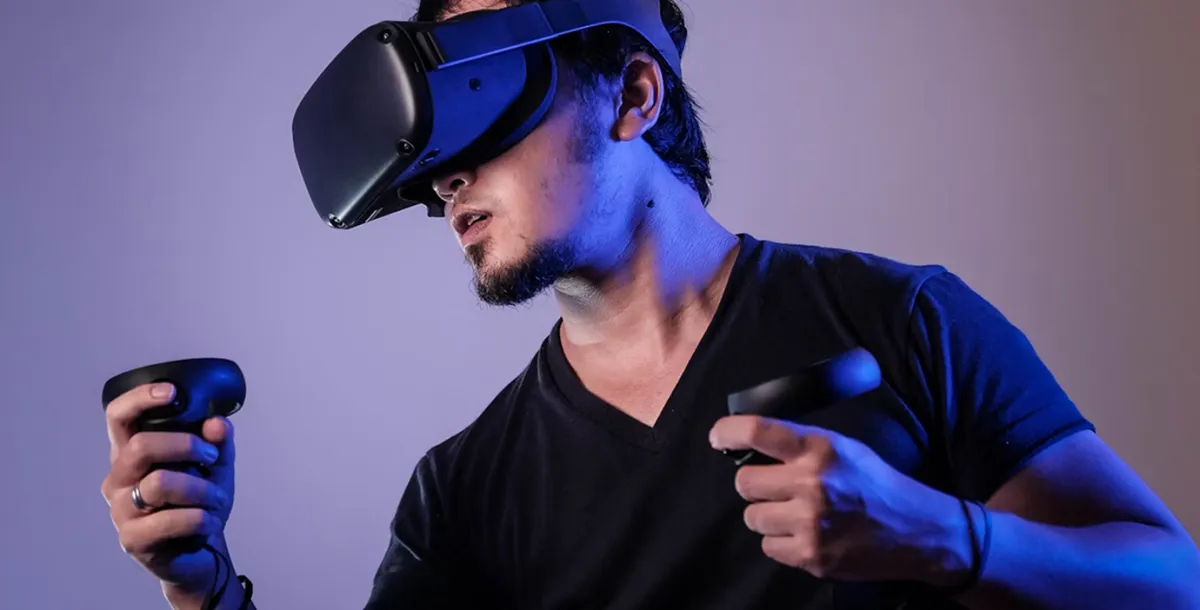
Hardware Repair
From screen replacements to motherboard repairs, we handle all hardware issues with precision.
Screen replacements
Keyboard repairs
Battery replacements
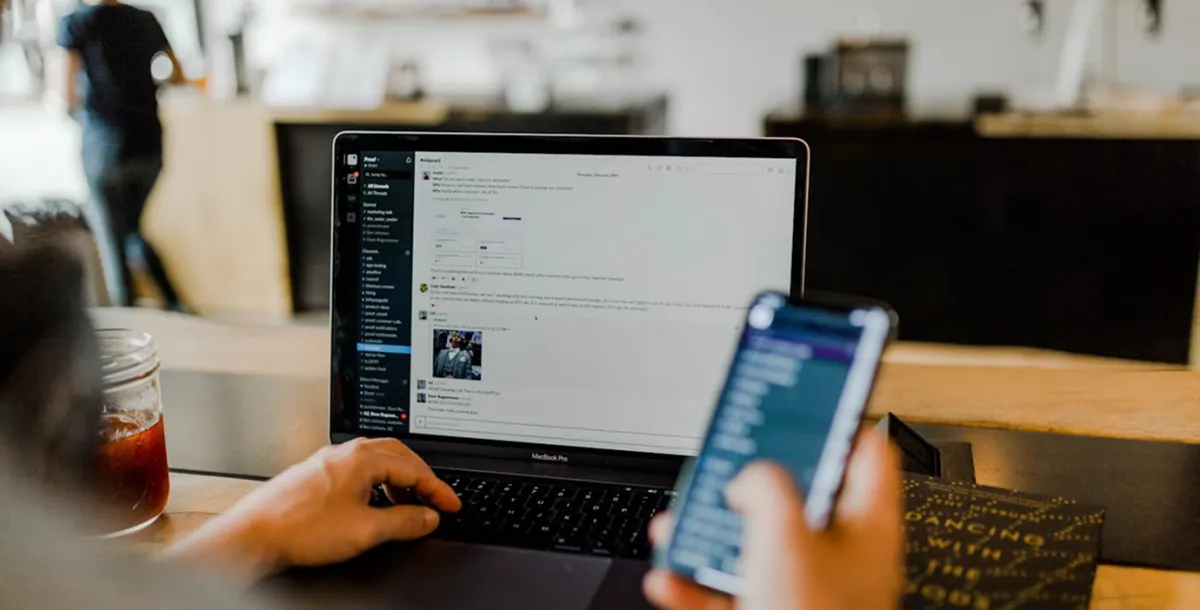
Virus & Malware Removal
Complete virus eradication and system optimization to restore your computer's performance.
Malware Detection & Removal
Antivirus Installation
Education & Prevention
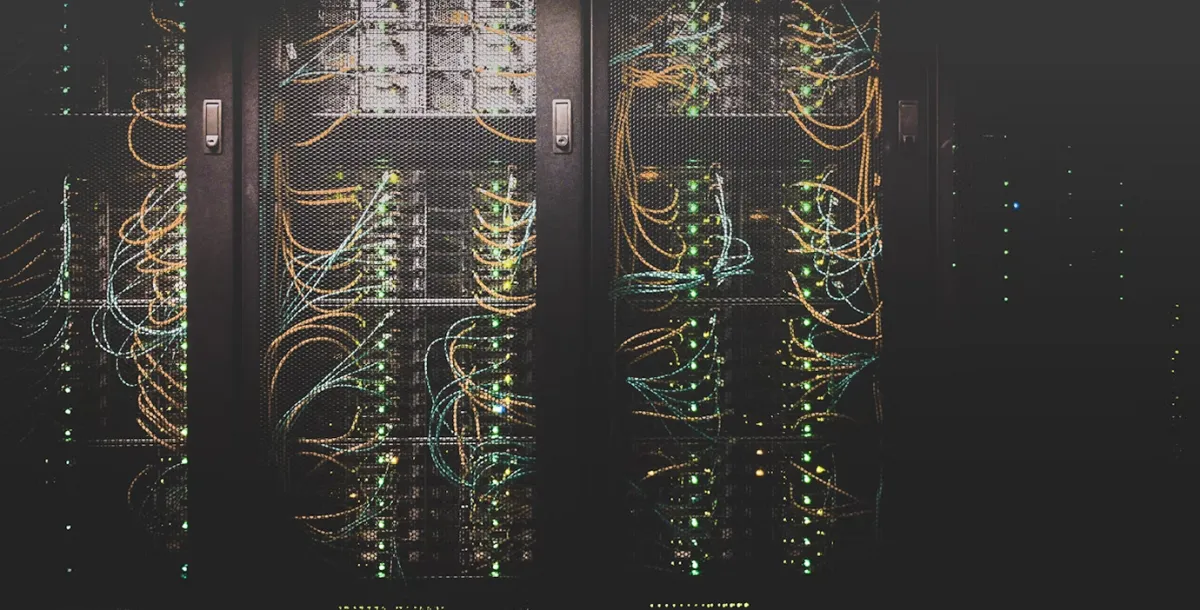
Data Recovery
Recover lost files from crashed hard drives, corrupted SSDs, and damaged devices.
Hard drive recovery
RAID reconstruction
SSD data extraction
What Our Clients Say
Don't just take our word for it - hear from our satisfied customers

"Quick and easy! Richard is a computer Dr. I can rely on him for any IT problem. He is like my IT department for my office. Thanks!"

Carol L.
Kailua, HI
"I thought I lost all my family photos when my hard drive crashed. Easy Computer recovered everything! Worth every penny for their data recovery service."
Michael T.
Kaneohe, HI
"Highly recommend! Richard is professional and knowledgeable, he gives a valuable advise and reasonable price. I got my Lenovo and Razor laptops fixed here."
Olga M.
Hawaii Kai, HI
About Us
Locally owned and operated in Honolulu, Hawaii since 1997, we provide computer repair services, network setup, virus and spyware removal, computer upgrades, training, and more.
All at affordable prices with honest, friendly service! Free tune-up is included on all repairs.
We deliver outstanding service and value and work hard to keep our customers happy.
We live by the code that says we treat others the way we would want to be treated.
Our goal is to maintain and fix your computer or network, and make sure you’re satisfied.
It’s that simple. We guarantee our work, and hope to keep you as a customer forever.
We’re certified with extensive hardware and software expertise and experience
Same-day service available for most repairs
Transparent, flat-rate pricing with no hidden fees
Richard Steele
Founder & Lead Technician


Contact Us
Ready to get your device fixed? Reach out to schedule a service || ask questions.
Send Us a Message
Contact Information

Service Area
1641 Kalākaua Ave #102, Honolulu, HI 96826

Phone
(808) 942-3999.

Hours
Monday - Friday: 10:00 AM - 5:00 PM
Saturday - Sunday: Closed
Follow Us


Frequently Asked Questions
Quick answers to common questions about our services
How quickly can you respond to service requests?
We typically respond within 1-2 hours during business hours. Same-day service is available for many repairs, especially for urgent cases.
What areas do you service?
We primarily serve the Honolulu area, from Red Hill to Hawaii Kai. We also service the Kaneohe and Kailua areas.
Do you offer warranties on your repairs?
Yes, all our repairs come with a 30-day warranty covering both parts and labor. If the same problem occurs within this period, we'll fix it at no additional cost. This warranty doesn't cover issues unrelated to the original repair, damage caused by accidents, liquid spills, and other unrelated factors.
What payment methods do you accept?
We accept all major credit cards (Visa, MasterCard, American Express, Discover), Apple Pay, Google Pay, cash, and checks. Payment is due upon completion of service unless prior arrangements have been made for business accounts.
Can you repair all brands of computers?
We service most major brands including Apple, Dell, HP, Lenovo, Asus, Acer, Microsoft Surface, and more. Some specialty and very old models may have limited parts availability. We'll always assess your specific device and let you know if we can help before starting any work.
Terms & Conditions
Service Agreement
By using our services, you agree to the following terms and conditions. Please read them carefully.
1. Service Scope
Easy Computer provides computer repair services including but not limited to hardware repairs, software troubleshooting, virus removal, and data recovery. Services are performed at the customer's location within our service area.
2. Diagnostics
A diagnostic fee of $49 may apply for complex issues. This fee will be waived if you proceed with the recommended repairs. Diagnostics typically take 30-60 minutes depending on the issue.
3. Pricing
All prices quoted are estimates until full diagnosis is complete. We reserve the right to adjust pricing if additional issues are discovered during service. You will always be notified and must approve any price changes before work continues.
4. Payment
Payment is due upon completion of service unless prior arrangements have been made. We accept cash, credit cards, and mobile payments. A 3% processing fee applies to credit card payments.
5. Warranties
Parts and labor are covered by a 90-day warranty unless otherwise specified. This warranty does not cover subsequent damage || issues unrelated to the original repair. Manufacturer warranties may apply to new parts.
6. Liability
While we take every precaution, we are not responsible for pre-existing conditions || data loss. It is the customer's responsibility to back up data before service. We recommend always maintaining current backups of important files.
7. Cancellation Policy
Appointments cancelled with less than 2 hours notice may be subject to a $25 cancellation fee. Repeated cancellations may require prepayment for future services.
8. Privacy Policy
We respect your privacy. Any data accessed during repairs will be kept confidential and will not be copied, shared, || used for any purpose other than performing the requested service.
By using our services, you acknowledge that you have read, understood, and agree to these terms and conditions. These terms may be updated periodically, and the current version will always be available on our website.
Ready to Fix Your Device?
Contact us today for fast, professional computer repair services at our location.


Quick Links
Services
Contact Info
1641 Kalākaua Ave #102, Honolulu, HI 96826
Mon-Fri: 10:00 AM - 05:00 PM
© 2026 Easy Computer. All rights reserved.
Website Designed by Evix.Ai